With the Page Manager, you have the freedom to design and customize your JobShop's homepage and job page templates according to your own vision. Whether you prefer a modern design or want to make your brand shine – the Page Manager gives you the tools to bring your vision to life.
The Page Manager offers you a wide range of possibilities. From customizing color schemes to adding custom modules – the Page Manager gives you the flexibility to bring your JobShop to life.
Dive into the world of the Page Manager and discover the endless possibilities it offers. Let your creativity run free and turn your JobShop into a distinctive experience for candidates.
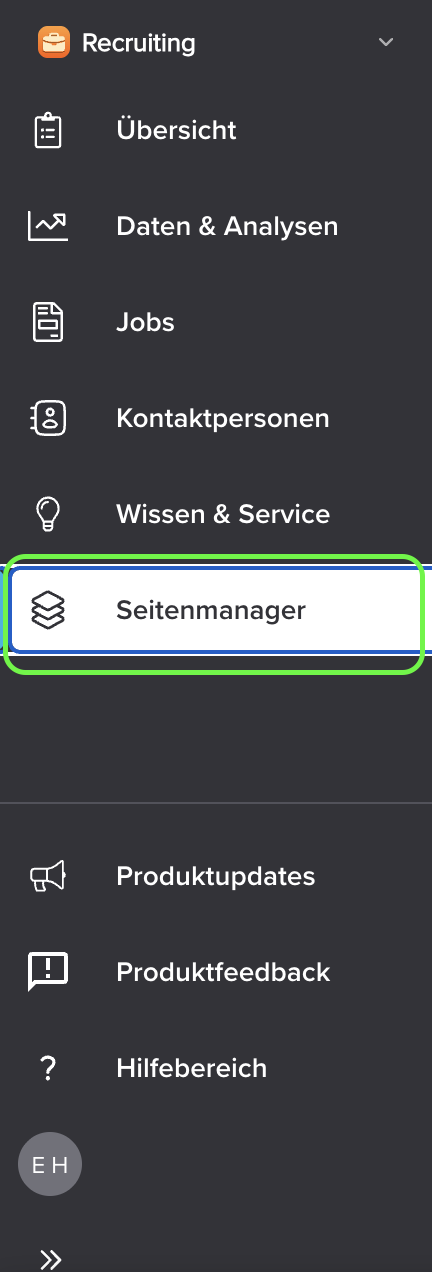
Accessing the Page Manager is very simple. You'll find it in the sidebar of your talentsconnect home, where you can access it with a single click:
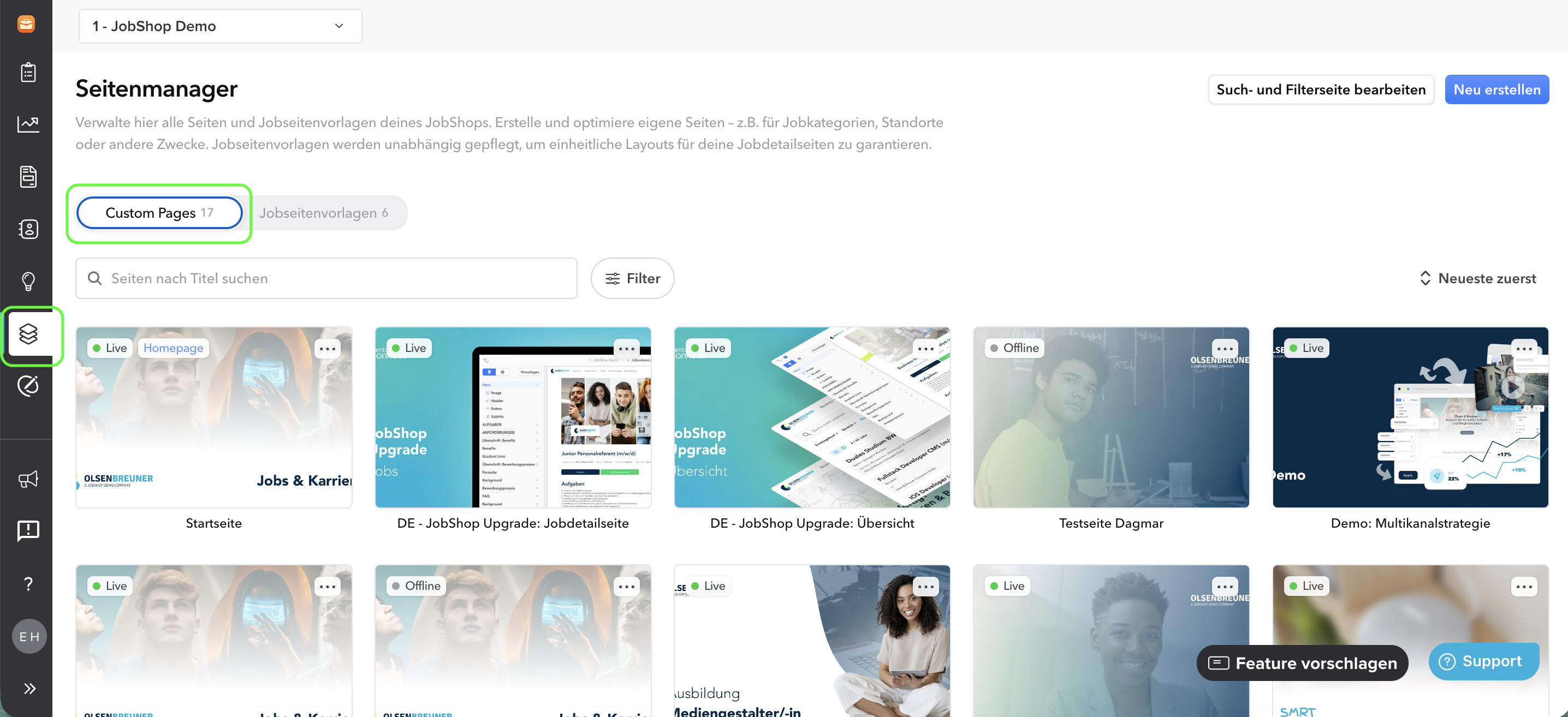
The Page Manager is divided into two categories: Custom Pages and Job Page Templates:
Custom Pages
Custom Pages are all pages that don't dynamically pull data from the job – for example, your homepage or additional information pages.
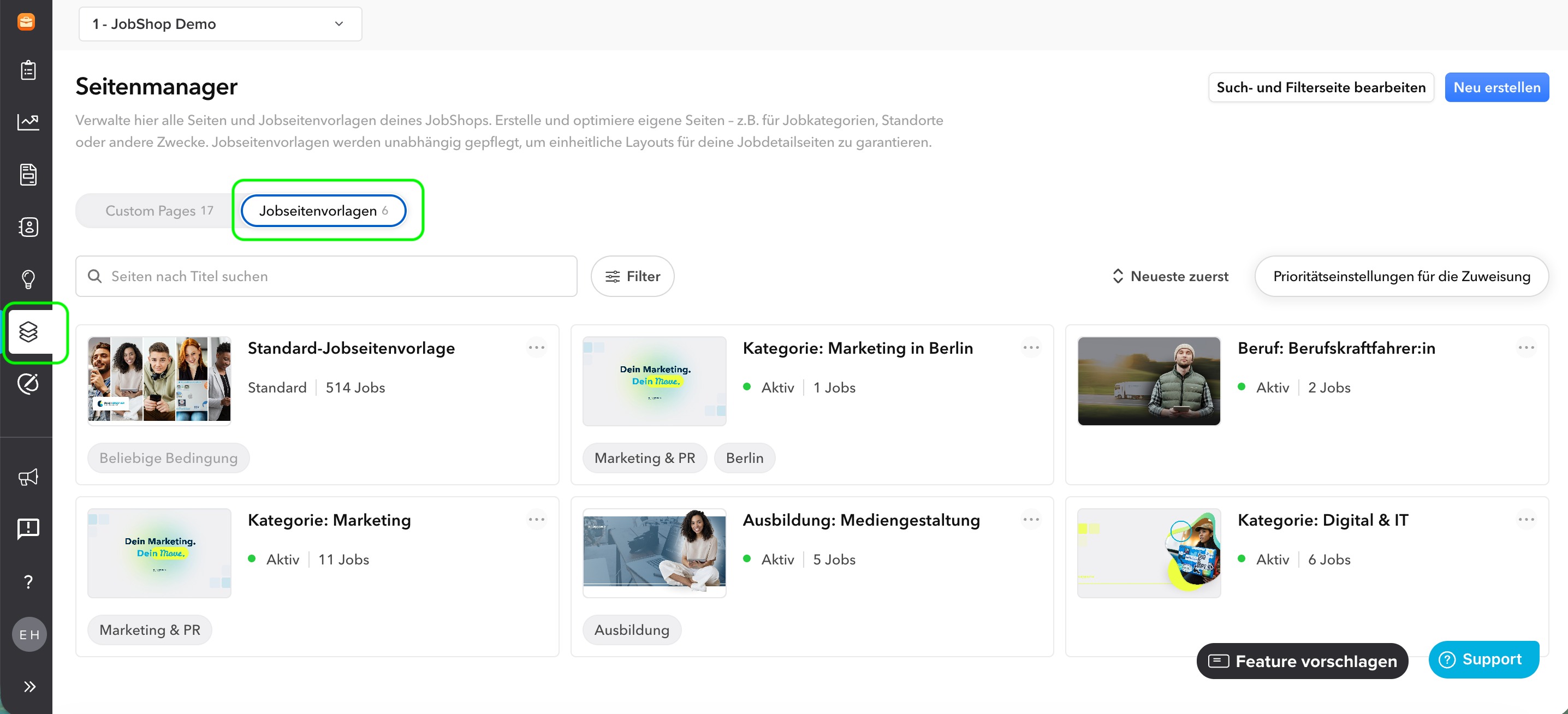
Job Page Templates
The job page template is a template for your jobs. Each job is automatically assigned one of these templates. You can find out exactly how this works here.
Last updated: July 2026 ✦ Language: English ✦ Audience: JobShop customers
Was this article helpful?
That’s Great!
Thank you for your feedback
Sorry! We couldn't be helpful
Thank you for your feedback
Feedback sent
We appreciate your effort and will try to fix the article